To install a linux distribution in WLS (Windows Linux Subsystem) :
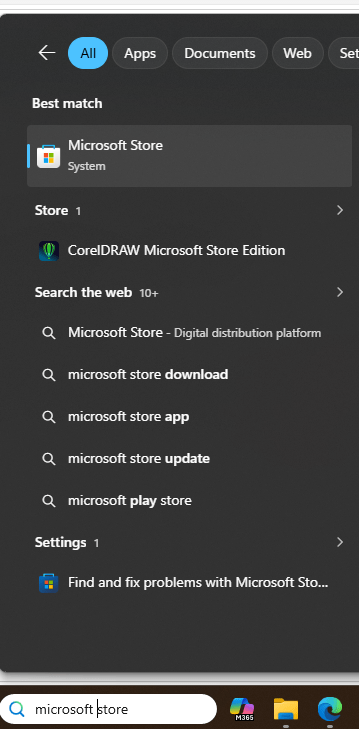
1.Open Microsoft Store
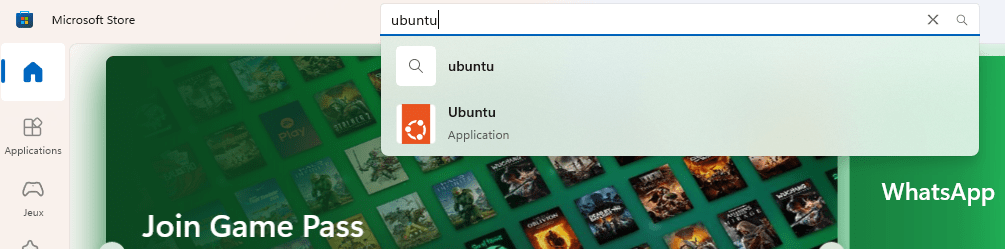
2.Search for and click on ubuntu distribution to install it
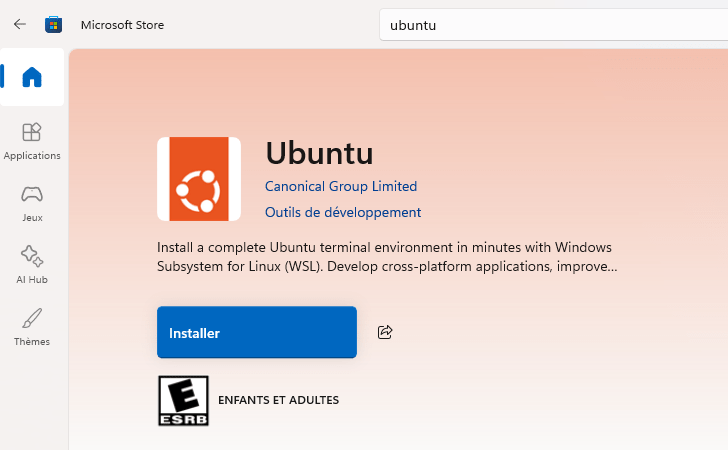
Click on Install/Installer
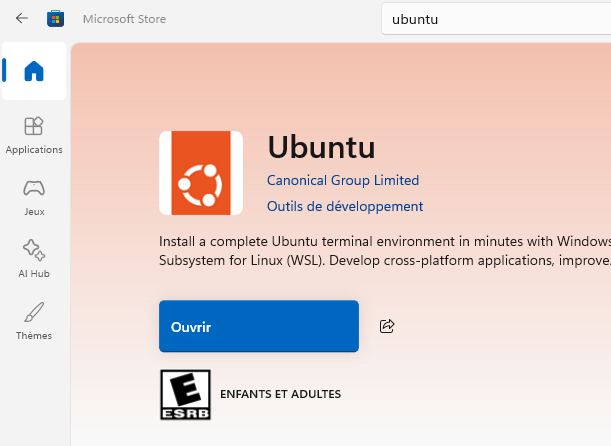
Once completed, click Open/Ouvrir
It will open a terminal connected to the linux distribution.
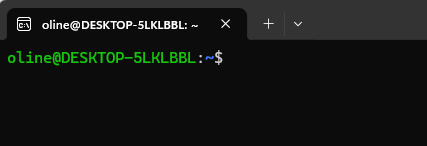
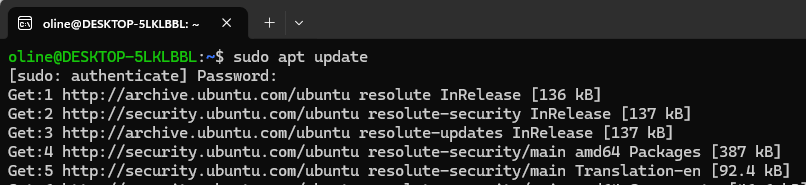
To update linux distribution
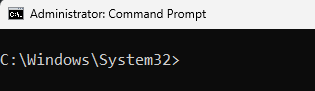
To launch a new connexion to linux env from windows :
Open CMD or powershell as administrator is recommended
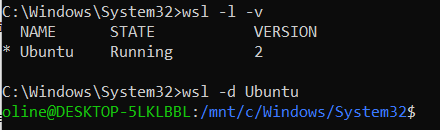
To list distribution version installed with wsl
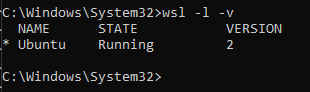
Launch a distribution using : $ wsl -d Ubuntu
To launch a new distribution: Open a terminal as admin and run :
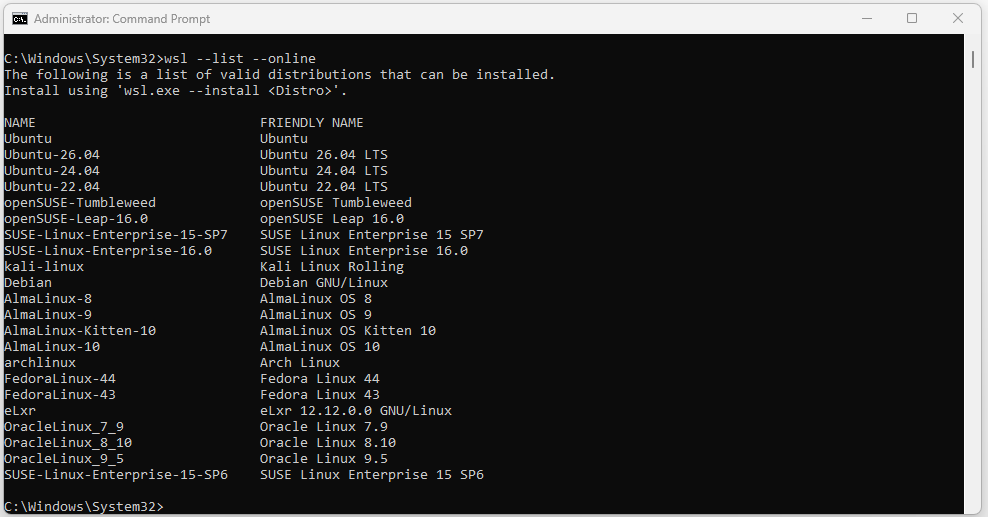
To install kali-linux distro for example :
c:> wsl –install -d kali-linux
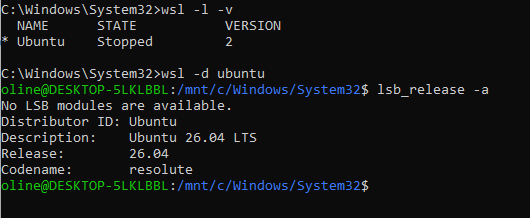
To check ubuntu version installed, connect first to the distribution with wsl:
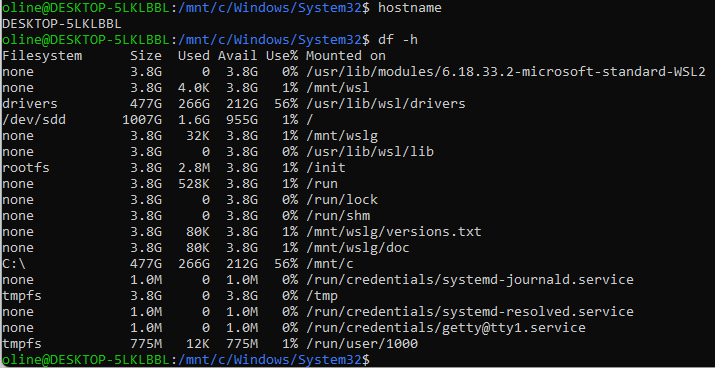
From there, you can run commands in your VM Linux machine
 BLOG DBA TIPS AND TRICKS